
Custom Smart Control Solutions for RICOVSUN Red Light Therapy Device
RICOVSUN develops flexible control solutions for red light therapy device, including voice control, touchscreen interfaces and remote operation. Customize how your products are controlled based on user habits, application scenarios and brand positioning.
Why Smart Control Matters
For red light therapy products, performance is only part of the user experience. An intuitive control system can simplify daily operation, reduce user confusion and help brands create products that feel more professional and differentiated.
Easier Operation
Simplify product use for different customer groups.
Better Product Differentiation
Create a recognizable user experience beyond hardware specifications.
Flexible User Experience
Match control methods to different products and application environments.
Stronger Brand Identity
Customize interfaces and interaction experiences around your brand.
Hands-Free Voice Control
Enable users to operate selected product functions through simple voice commands, creating a more convenient hands-free experience for wellness, recovery and professional environments.
| Order | Remark | |
|---|---|---|
| 1 | Wake-up word: Hello Pro/ Hi Pro | You need to wake up the light each 15s if you have the new order to it. |
| If no voice command is received within 15 seconds, the device exits voice mode. | ||
| 2 | Turn on the light | Will run into the last session’s setting by default |
| 3 | Turn on the red light | Red light to 100%, infrared light won’t change |
| 4 | Increase intensity | 5%/10% increased each time |
| 5 | Reduce intensity | 5%/10% reduced each time |
| 6 | Switch off the red light | Red light to 0 |
| 7 | Turn on the infrared light | Infrared light to 100%, red light won’t change |
| 8 | switch off the infrared light | Infrared light to 0 |
| 9 | Turn on silent mode | Only the sound from the screen will be turned off, like the operation on the screen |
| 10 | switch off silent mode | |
| 11 | 10 minutes timer | Enter time counting screen |
| 12 | 20 minutes timer | |
| 13 | 30 minutes timer | |
| 14 | switch off the light | All of the light will be turned off, including the blue light if it is turned on |
| 15 | All on | red light 100% and infrared light 100% on |
| 16 | 20 percent | |
| 17 | 40 percent | |
| 18 | 60 percent | |
| 19 | 80 percent | |
| 20 | 100 percent |
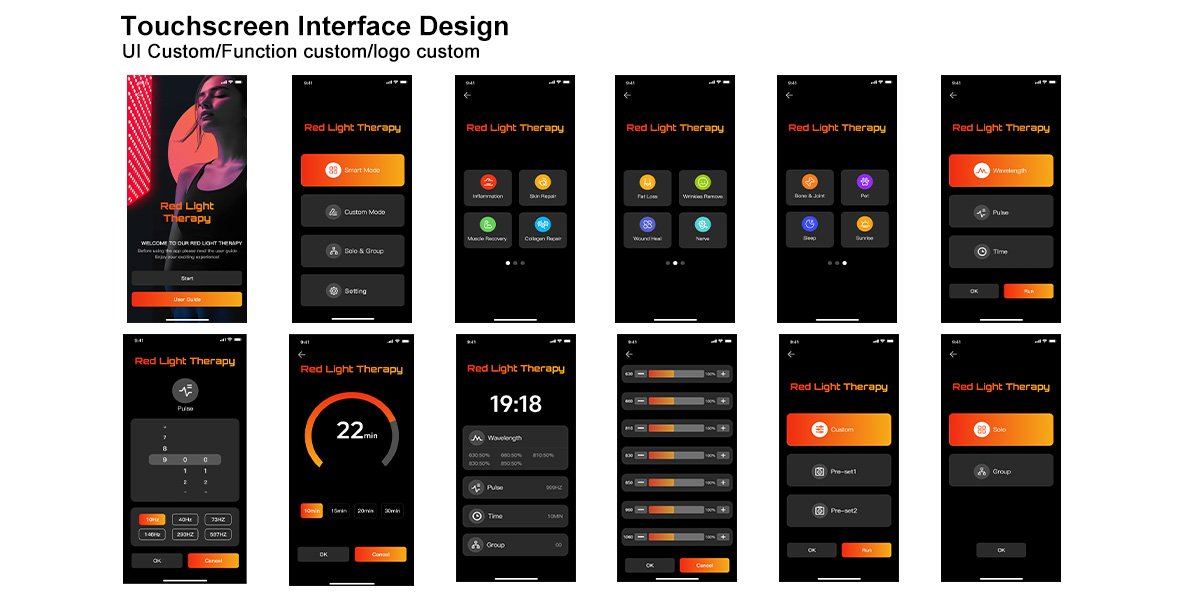
Custom Touchscreen Control
Create a modern and intuitive product experience with customized touchscreen interfaces. From operating modes and timers to brightness and wavelength settings, interface layouts can be developed around your product functions and brand identity.
Convenient Wireless Remote Control
Provide flexible product operation from a comfortable distance with customized remote control solutions. Designed for users who prefer simple, familiar and reliable physical controls.

What Can Be Customized?
Customize the Control Experience Around Your Product
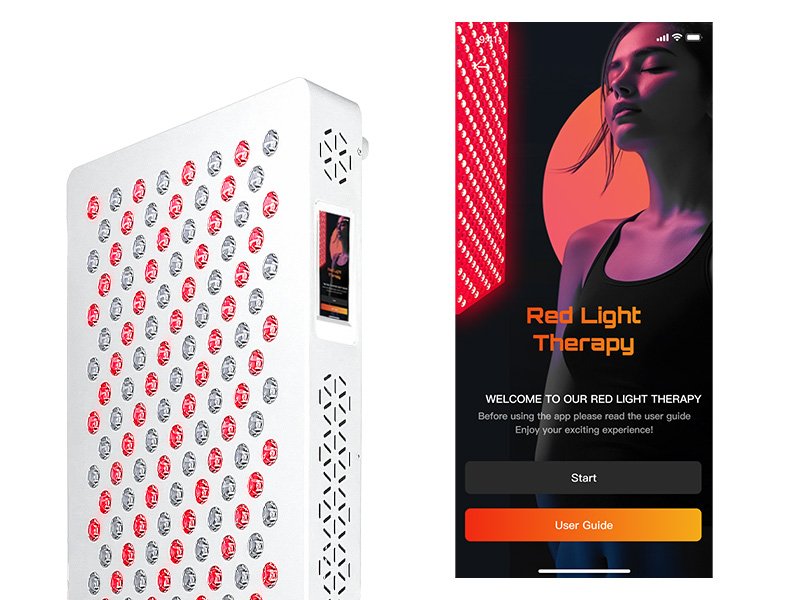
Interface Design
Custom layouts, icons and interaction logic.
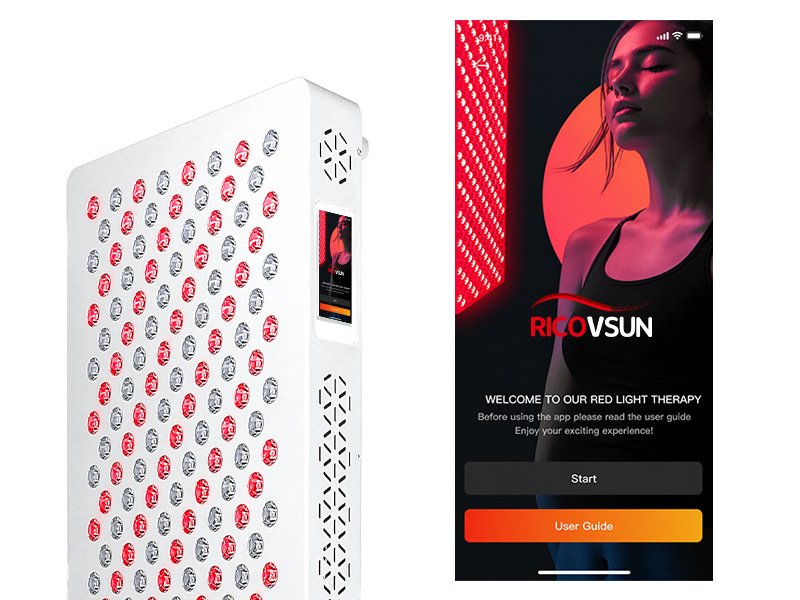
Brand Identity
Logo, colors, startup screens and visual elements.
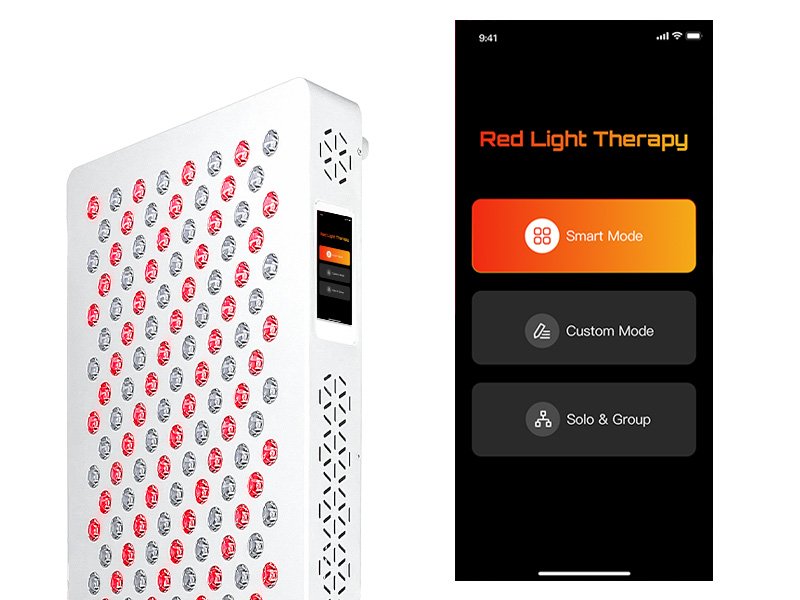
Operating Modes
Create preset programs based on product requirements.
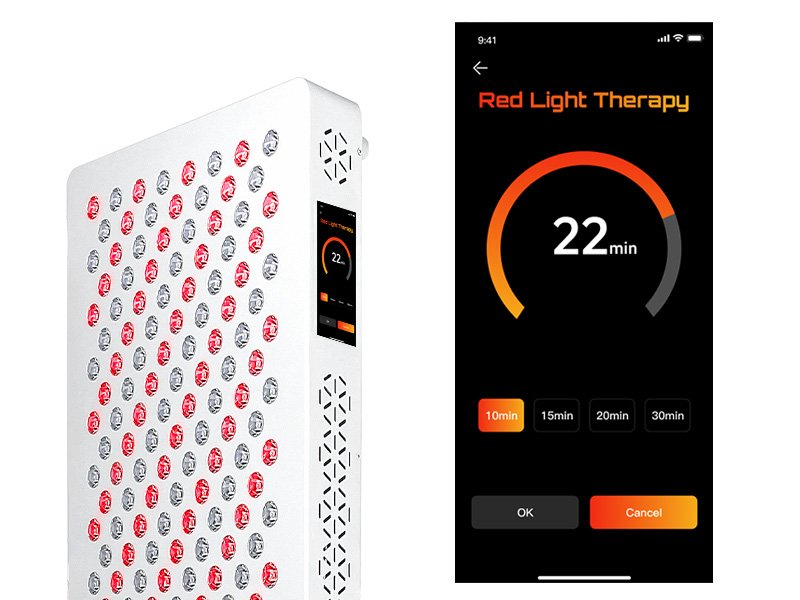
Timer Settings
Customize session durations and operating logic.
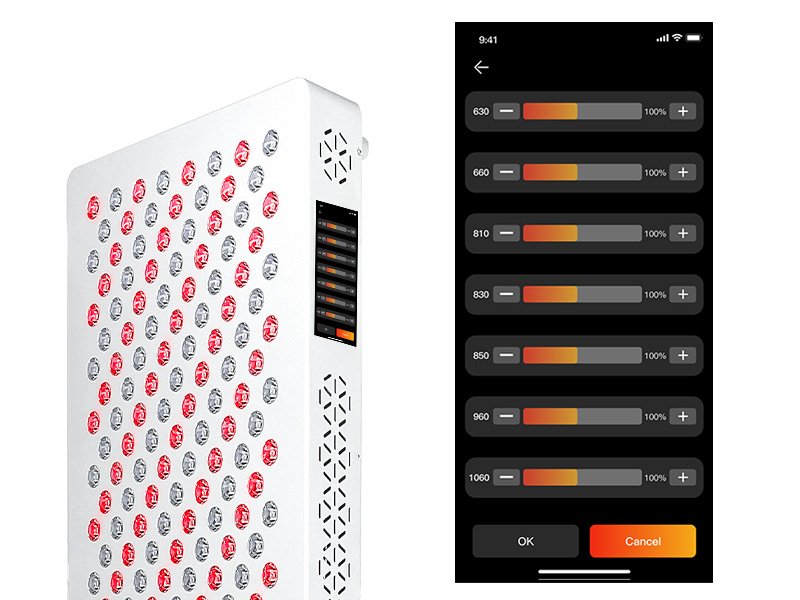
Brightness Control
Adjust light intensity through supported control systems.
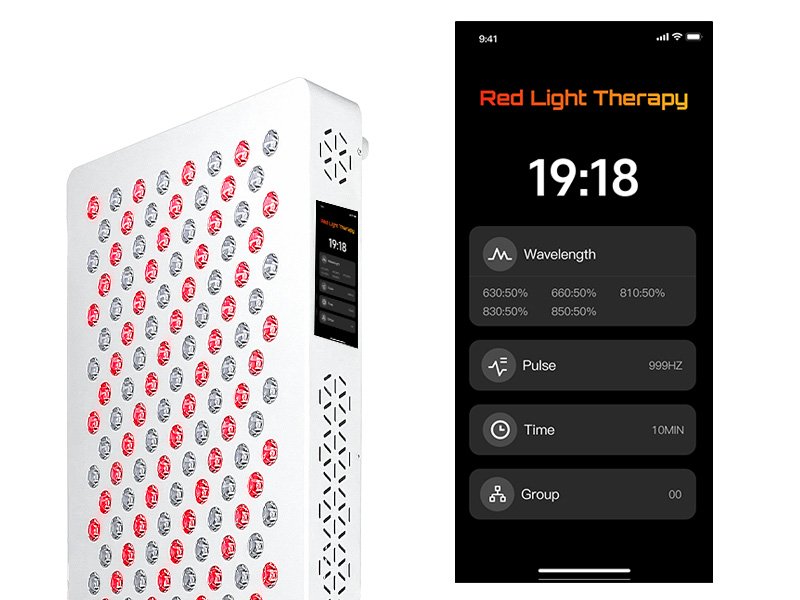
Wavelength Control
Configure available wavelength selection and control logic.
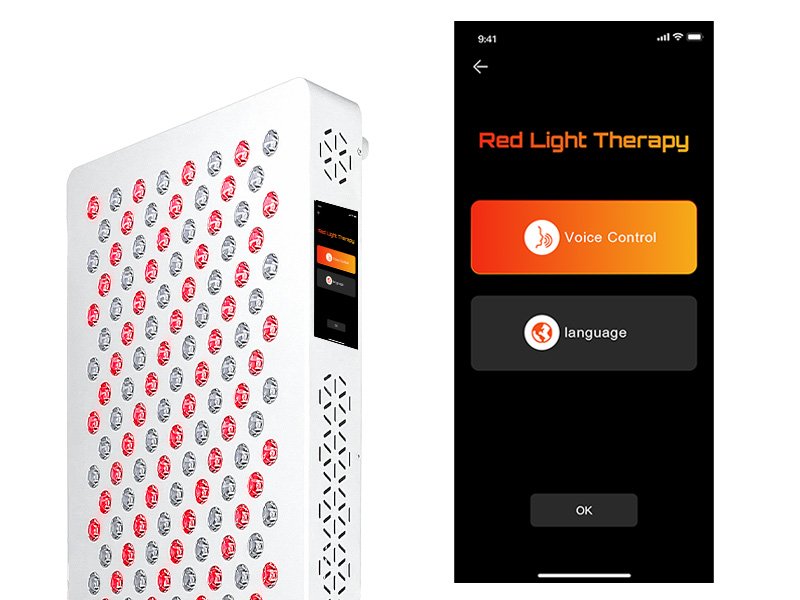
Language Options
Support multilingual interfaces for global markets.
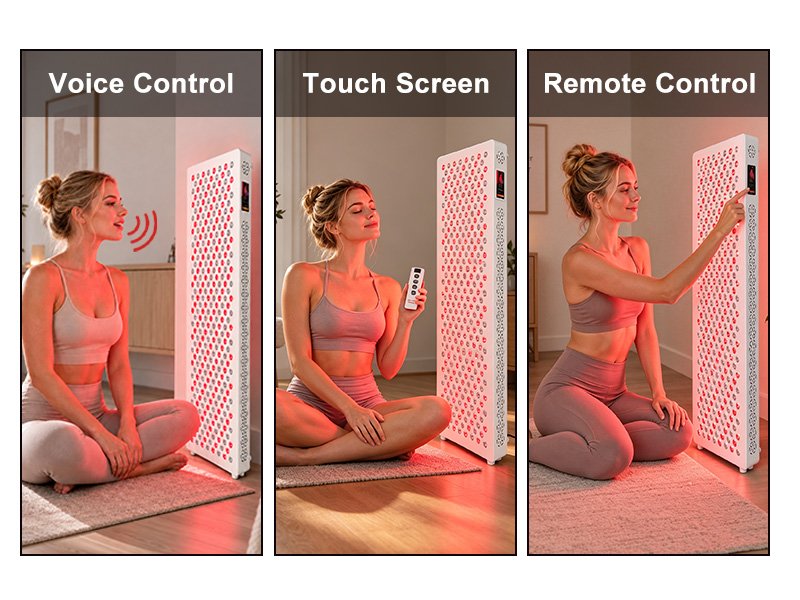
Control Combination
Combine voice, touchscreen and remote operation where applicable.